
16:21Machine-translated from Azerbaijani by AIRead in Azerbaijani
Apple CarPlay Can Greet You With a Custom Sound When You Get in Your Car
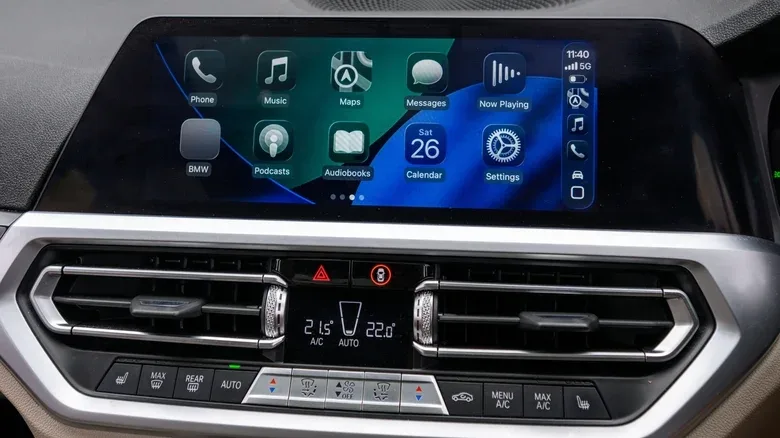
Apple's Shortcuts app on the iPhone can be used to create a custom greeting sound for CarPlay. With this feature, a sound recording you select in advance can automatically play through the car's audio system as soon as the iPhone connects to CarPlay. For example, you can have Siri greet you with “Good morning” when you get into the car, play a short piece of music, or read a reminder you prepared in advance, such as “Don't forget your wallet.”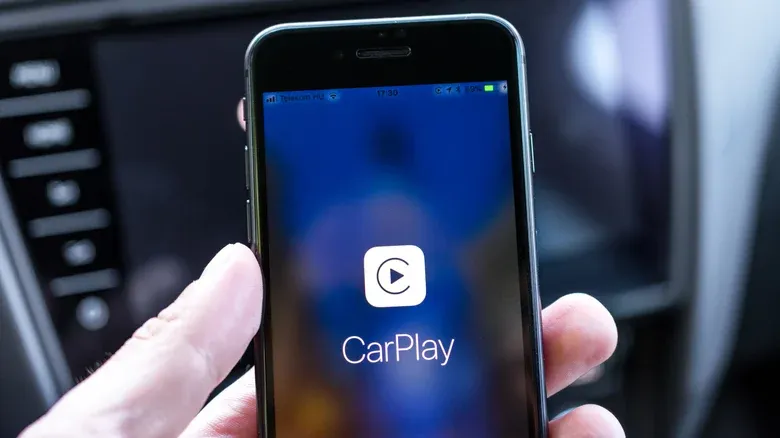 This feature does not change the car's own startup sound or the multimedia system's startup animation. Instead, an automation created in the Shortcuts app runs as soon as the iPhone connects to CarPlay, and the selected audio plays through the car's speakers. The result may vary somewhat depending on the speed of the wired or wireless CarPlay connection. First, you must save the short audio file you want to use in the iPhone's Files app. It is preferable for the sound to be 2-5 seconds long. This will prevent the greeting sound from interfering with navigation directions and other important notifications. Next, open the Shortcuts app and go to the Automation section. Create a new automation from there and select CarPlay. Set “Is Connected”, meaning a connection to CarPlay, as the condition, and select “Run Immediately” for the automation. In the next step, create a new shortcut and select the audio file previously added to the phone from the Files section. Once the automation has been saved, the sound will play automatically every time the iPhone connects to CarPlay. The names and locations of the menus may vary slightly depending on the iPhone model and iOS version being used.
This feature does not change the car's own startup sound or the multimedia system's startup animation. Instead, an automation created in the Shortcuts app runs as soon as the iPhone connects to CarPlay, and the selected audio plays through the car's speakers. The result may vary somewhat depending on the speed of the wired or wireless CarPlay connection. First, you must save the short audio file you want to use in the iPhone's Files app. It is preferable for the sound to be 2-5 seconds long. This will prevent the greeting sound from interfering with navigation directions and other important notifications. Next, open the Shortcuts app and go to the Automation section. Create a new automation from there and select CarPlay. Set “Is Connected”, meaning a connection to CarPlay, as the condition, and select “Run Immediately” for the automation. In the next step, create a new shortcut and select the audio file previously added to the phone from the Files section. Once the automation has been saved, the sound will play automatically every time the iPhone connects to CarPlay. The names and locations of the menus may vary slightly depending on the iPhone model and iOS version being used.