
22:23Machine-translated from Azerbaijani by AIRead in Azerbaijani
Apple Introduces HomeView Smart Display That Recognizes 6 People
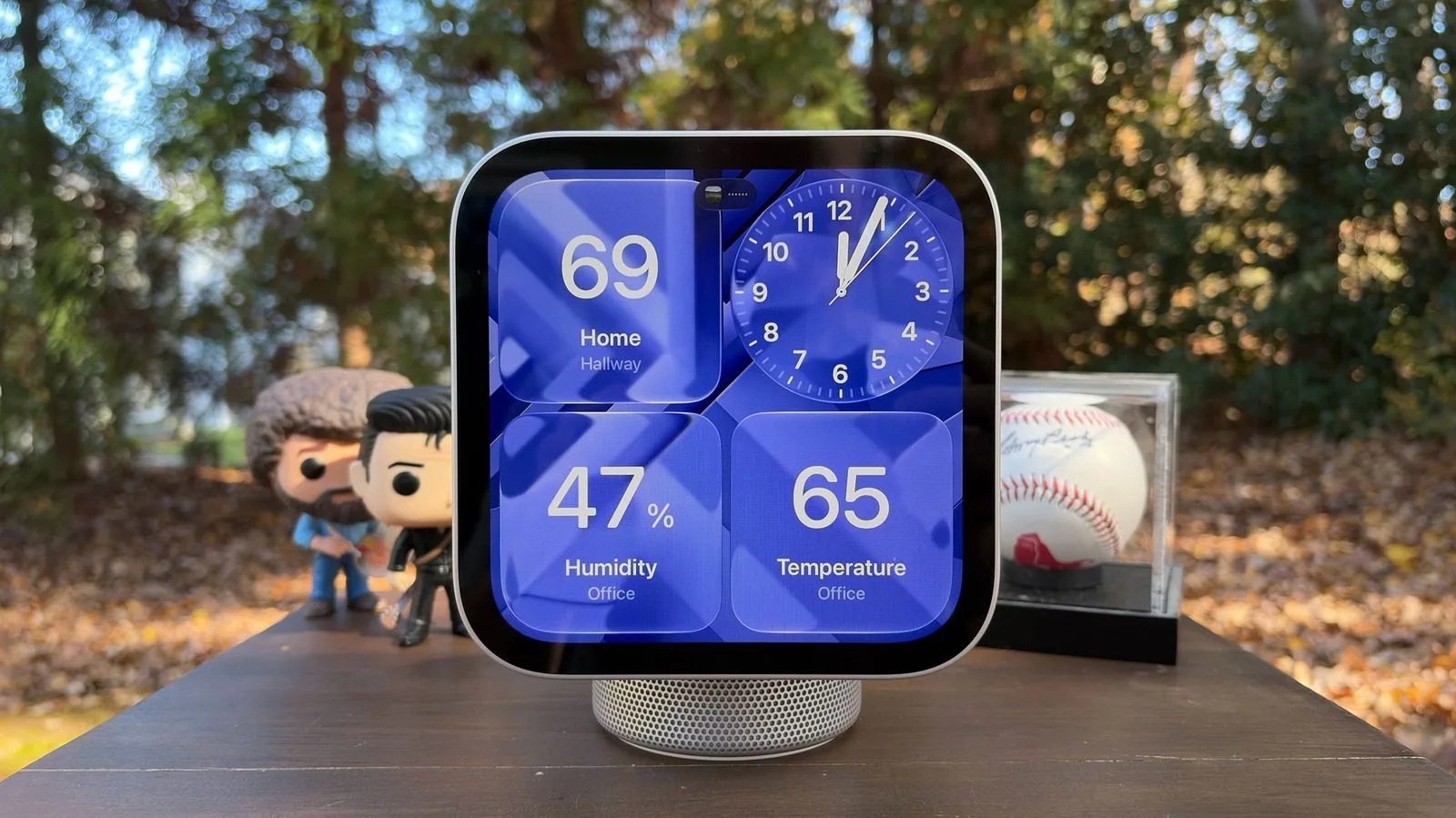
The Apple HomeView smart display is now available. An iPhone or iPad is required for the initial setup. The device does not run apps itself; it brings information from compatible apps on the phone or tablet to the display. It works similarly to CarPlay. Core Apple apps such as Calendar, Messages, Reminders, and Weather also work.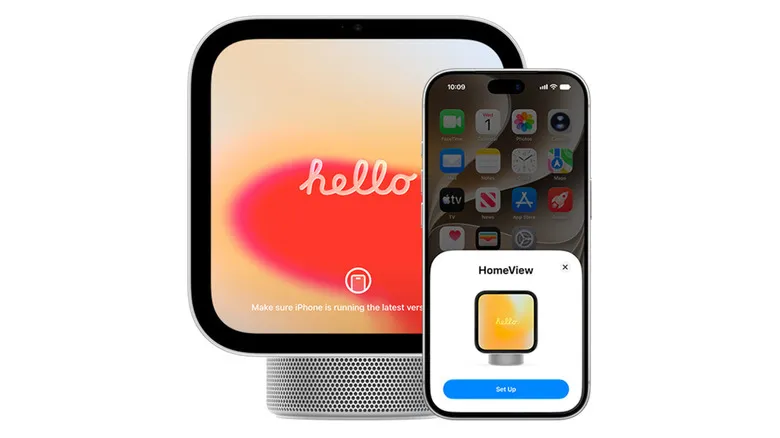 Apple HomeView does not store personal data in its memory or provide permanent access to it. Messages and calendar reminders appear only when the device recognizes the user’s face. The connected iPhone or iPad must also be nearby at that time. Setup requires iOS 27.2 on the phone or iPadOS 27.2 on the tablet. Apple Intelligence and the new Siri AI are used to provide more natural responses. To connect, simply turn on the display, unlock the iPhone or iPad, and bring it close to the display. A card similar to the AirPods setup card appears on the screen. If the software is outdated, the system prompts the user to update it. If the card does not appear, the user must create a home in the Home app and check that they are listed as the owner. Location sharing from that device must also be enabled in the Find My app. Bluetooth and Wi-Fi must be enabled as well. During pairing, the user centers the animation on the Apple HomeView display within the frame shown in the camera. Alternatively, the user can choose to enter the passcode manually. This requires entering the 4-digit code shown on the display. Next, the home and room to which the device will be connected are selected, and the software is updated if necessary. Settings such as the Wi-Fi network, Siri voice, and display of personal information can be matched to the selections on the phone. Facial and voice recognition are configured in the final stage. To set up voice recognition, the user must read several phrases shown on the display aloud. During facial recognition setup, the user moves their head in the directions shown in front of the camera. The process is similar to setting up Face ID and is necessary for personal messages to appear. Setup is complete once the welcome screen appears. Apple HomeView supports 6 users on the same device. The homeowner can invite other people as residents by tapping the option to add a person in the Home app. The person accepting the invitation brings their phone close to the display, taps the connect button, and sets up their own facial and voice recognition. Accounts can be switched using the profile icon. This allows everyone to see their own information on the display.