
12:34Machine-translated from Azerbaijani by AIRead in Azerbaijani
Apple to Add 4 New Lock Screen Customization Options With iOS 27
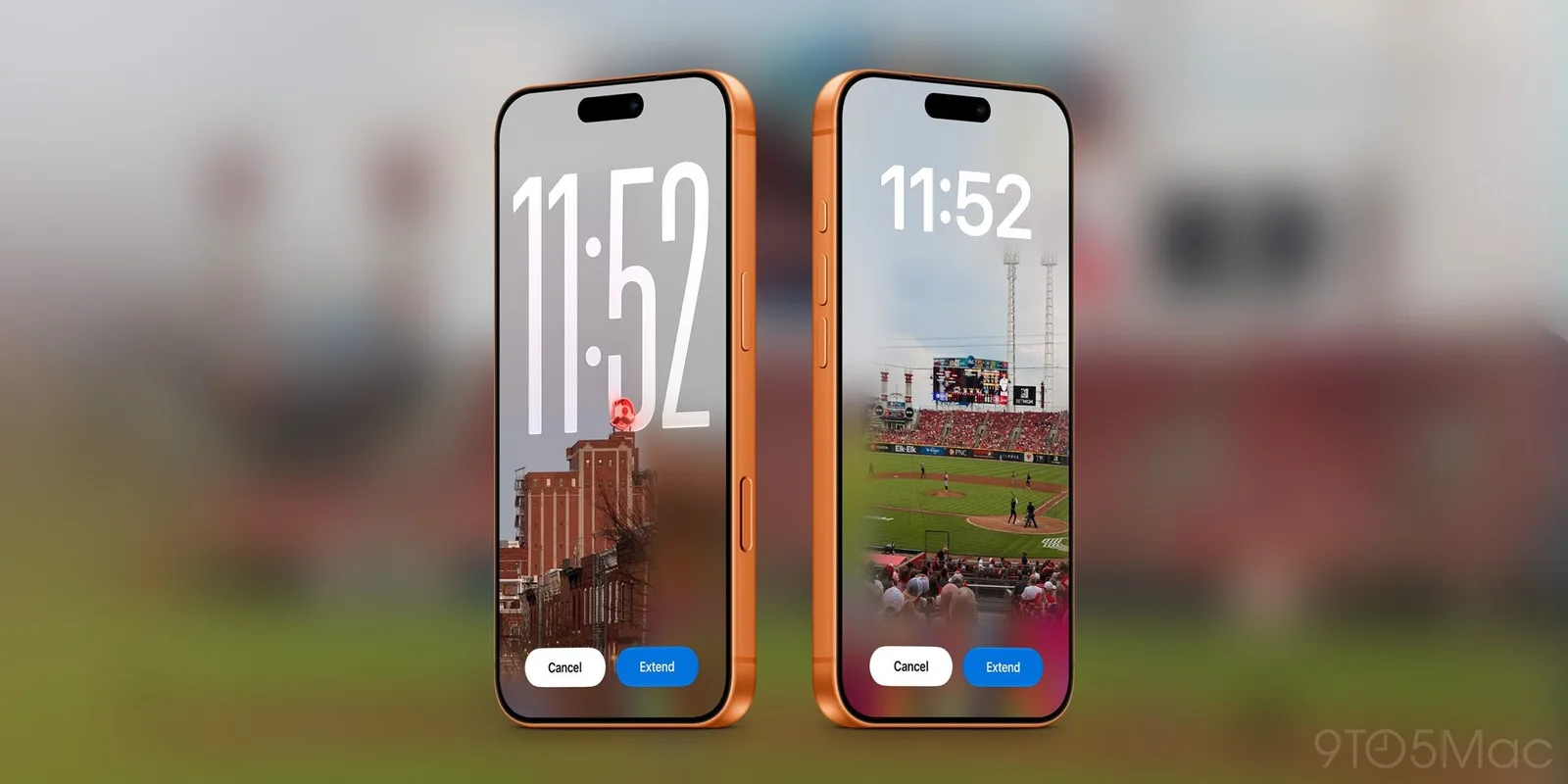
Apple’s iOS 27 will add 4 new customization options to the iPhone lock screen. Users will be able to expand wallpapers using artificial intelligence, create new images and reposition the clock. The widget showing currently playing content can also be removed from the screen. The “Extend” feature will appear automatically when the selected photo does not fit the screen dimensions. Artificial intelligence will add new details around the edges of the image to fill in the empty areas. This will make it possible to change the photo’s aspect ratio, straighten the horizon and adapt it for use as wallpaper. iOS 27 will also make it easier to create wallpapers with the “Image Playground” tool in the options panel. The tool will be able to recreate images from the “Photos” app in styles such as “Retro Illustration” and “Animation.” Users will also be able to describe the image they want in plain words and create a custom wallpaper from scratch. Another change concerns the clock on the lock screen. In previous versions, only the size of the clock could be changed. In addition to making the clock smaller, iOS 27 will allow it to be moved to the top row of widgets. This will reveal more of the wallpaper, but it may make the clock somewhat harder to read from a distance. The “Now Playing” widget can also be hidden by swiping it away on the lock screen. Even when the widget is closed, music or other audio content will continue playing. The new feature will help prevent accidental taps on the widget and the unintended opening of audio controls.