
22:17Machine-translated from Azerbaijani by AIRead in Azerbaijani
Google lets ChatGPT and Claude control smart home devices
Google has begun rolling out the Home MCP integration, which connects smart home devices to AI agents. The system uses a standard called Model Context Protocol and supports tools such as Google Antigravity, Claude, Hermes, OpenClaw and ChatGPT. These agents can control devices in the Google Home system and review previous events. Users only need to write instructions in everyday language.
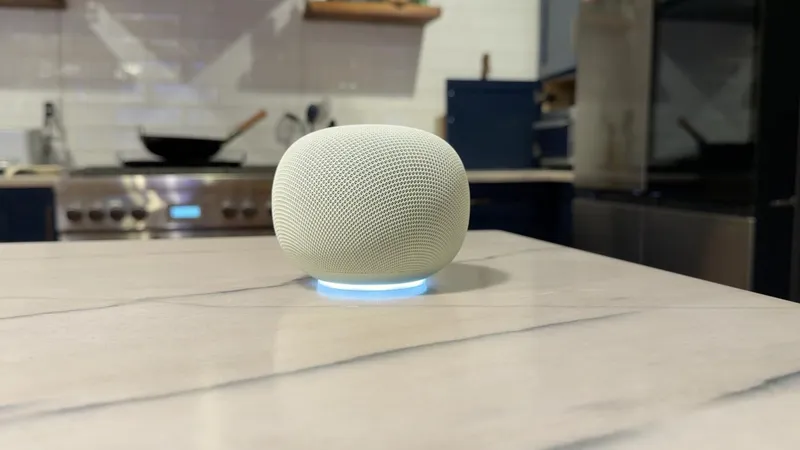
Home MCP works with Nest cameras and doorbells, Nest Thermostat, Matter lights and devices compatible with Works with Google Home. The system can analyze footage from different cameras together. For example, it can summarize what a child did after returning from school and display the relevant videos. By reviewing the home’s history, it can also determine how long the lights remained on and how many times the washing machine ran during the week. The agent can control connected devices.
The system also supports voice communication. When the agent finishes a task, it can deliver a voice message through a Google Home speaker. Users can also create a dashboard tailored to their needs by writing an ordinary instruction. Camera summaries, device status information and control buttons can be placed on the same screen.
Google has imposed request limits and additional safeguards for security. For example, the system does not allow doors to be unlocked. At the same time, the company warns that unexpected and undesirable behavior may occur depending on the agent selected. Users are advised to review the developer guidelines and terms of service before establishing a connection.
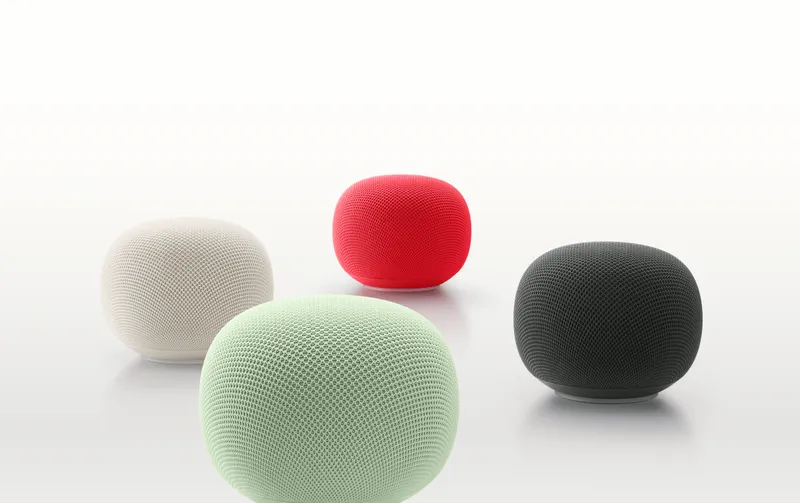
Home MCP is initially launching only in English in the US. The service will be available to Google Home Premium Advanced subscribers. The package costs $20 per month (about 34 manats) or $200 per year (about 340 manats). The service will be rolled out gradually to users over the coming weeks. It is not known when it will become available for other subscription packages and markets. The subscription includes extended video history, detailed notifications, video search and daily summaries.
During setup, users must create a Google Cloud project and activate the Home MCP integration. The configuration information is then added to the selected agent. The agent asks the user to sign in to their account and approve the necessary permissions. The new integration does not replace the Gemini for Home assistant. It creates a separate connection that allows third-party agents to control smart home devices. The MCP standard also works within Google Cloud, data platforms, developer tools and Google Workspace. Feedback from initial users will be collected through the Smart Home for Developers Community.