
18:56Machine-translated from Azerbaijani by AIRead in Azerbaijani
Mac Users Can Reclaim More Than 12 GB of Storage from Apple Intelligence
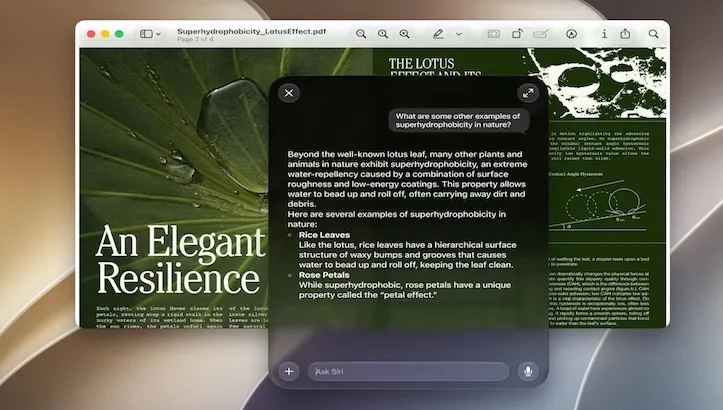
Mac users can take advantage of a new open-source tool to free up storage occupied by Apple Intelligence models. The command-line utility RemoveMacAI disables Apple’s artificial intelligence features, deletes downloaded AI models from the disk, and prevents them from being automatically downloaded again. This allows users to free up approximately 12 GB or more of storage.

The issue is that macOS 27 no longer has a separate option to completely disable Apple Intelligence. Although its features can be disabled individually, this does not remove the AI models from the Mac. As a result, even if users do not use the artificial intelligence features, their models remain on the disk and take up valuable storage space.
RemoveMacAI solves this problem in a different way. The tool disables Apple’s system service that manages the models through a configuration profile, deletes the existing AI models, and redirects requests to download them again to a closed local port. This prevents macOS from automatically restoring the deleted models.
Moreover, all of this is done without disabling System Integrity Protection (SIP). Users also do not need to access protected system folders and manually delete files.
After running the tool, Siri’s AI features, Writing Tools, Genmoji, Image Playground, ChatGPT integration, automatic summaries, smart replies, predictive text, Photos Clean Up, Spatial Photos, and Xcode’s predictive code completion feature are disabled. However, standard dictation continues to work.
The amount of storage freed depends on the Mac model and the AI models stored on the device. Some users report that Apple Intelligence occupies significantly more than 12 GB of storage. RemoveMacAI’s status command shows how much space each of the various AI models on the computer occupies.
If users later want to restore Apple Intelligence features, the tool also has a separate revert command for this purpose. This restores the disabled features and allows the models to be downloaded again.
However, the tool has one limitation. Some of the configuration profile keys used by RemoveMacAI have already been deprecated by Apple in macOS 26.4. Although they currently work in macOS 27.0.1, Apple may change this mechanism in future system updates and limit the tool’s functionality.
Therefore, RemoveMacAI is an appealing option, particularly for MacBook owners with 256 GB of storage: deleting unused Apple Intelligence models can reclaim valuable disk space. However, this requires giving up a number of Apple’s AI features.