
17:19Machine-translated from Azerbaijani by AIRead in Azerbaijani
Many Galaxy Phones Receive One UI 9 Update With Freely Customizable Panel
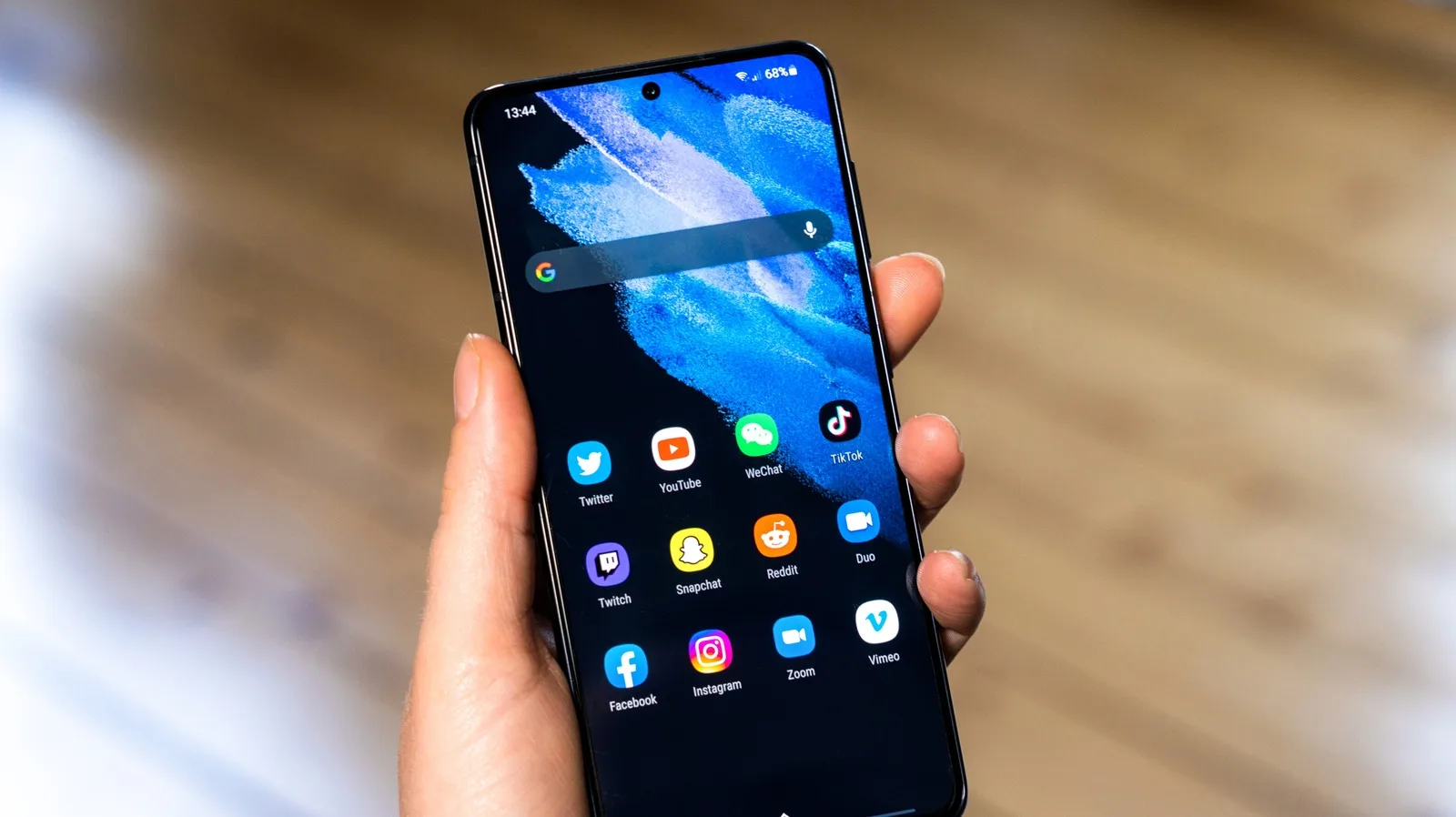
Samsung’s One UI 9 update has been released for many Galaxy phones. The update provides more freedom to change the interface’s appearance and the placement of control buttons. It also includes features such as My Fancam. One of the key new features is the expanded range of options for Good Lock and Quick Panel. Most of them can be accessed through the Home Up app in the Good Lock suite.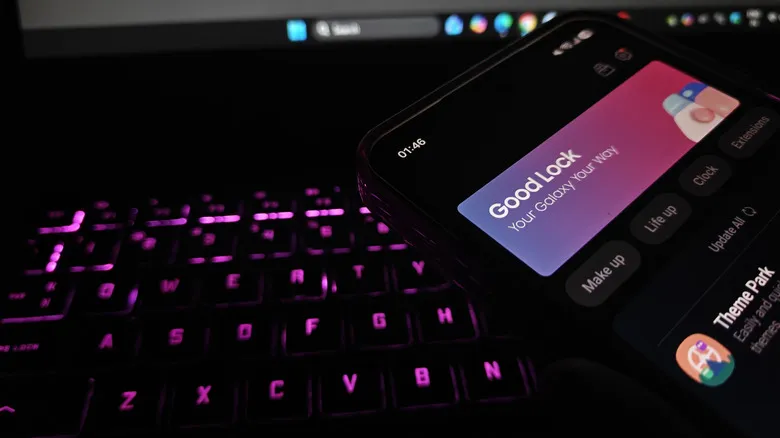 The Favorites Background option in the Home Up app changes the background of the area where favorite apps are located on the home screen. Users can add blur and shadow effects to the background and select an image and color. The background’s appearance can also be adjusted separately. Similar options are available in the Edge Panel section, allowing the side panel’s appearance to be changed in the same way. Samsung has added multi-finger gestures to the gesture settings in the Home Up app. Users can assign different commands to swipe gestures using 2 to 5 fingers, as well as pinch-in and pinch-out gestures. For example, swiping down with 2 fingers can be set to take a screenshot or increase the volume. Different combinations of gestures and commands help users tailor the controls to their personal habits.
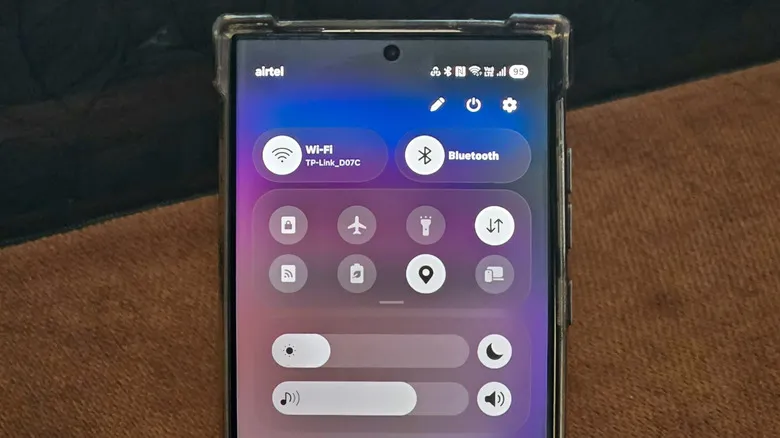 Quick Panel can also be customized more freely in the One UI 9 update. In edit mode, elements can be dragged to another location, resized, or removed entirely. Removed buttons can be restored using the Add Control option. Under Panel settings > Together, separate panels are combined into a single view. Size restrictions have also been removed, allowing each element to be set to any size.
The Favorites Background option in the Home Up app changes the background of the area where favorite apps are located on the home screen. Users can add blur and shadow effects to the background and select an image and color. The background’s appearance can also be adjusted separately. Similar options are available in the Edge Panel section, allowing the side panel’s appearance to be changed in the same way. Samsung has added multi-finger gestures to the gesture settings in the Home Up app. Users can assign different commands to swipe gestures using 2 to 5 fingers, as well as pinch-in and pinch-out gestures. For example, swiping down with 2 fingers can be set to take a screenshot or increase the volume. Different combinations of gestures and commands help users tailor the controls to their personal habits. Quick Panel can also be customized more freely in the One UI 9 update. In edit mode, elements can be dragged to another location, resized, or removed entirely. Removed buttons can be restored using the Add Control option. Under Panel settings > Together, separate panels are combined into a single view. Size restrictions have also been removed, allowing each element to be set to any size.