
19:10Machine-translated from Azerbaijani by AIRead in Azerbaijani
Microsoft Unveils New App for Remotely Connecting to Computers
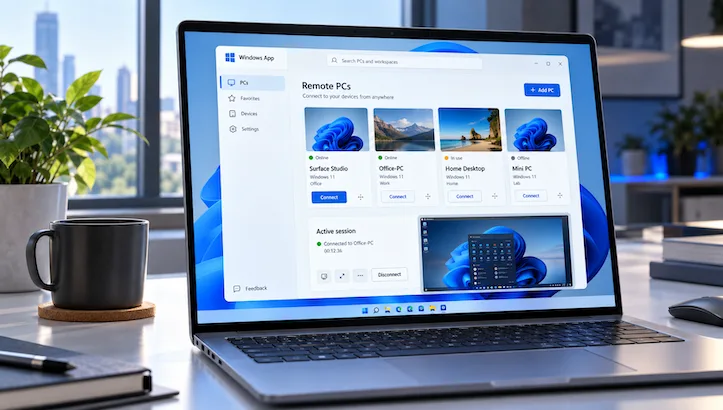
Microsoft continues to gradually phase out the classic Remote Desktop app and move its features to the cross-platform Windows App. The remote PC connection feature, which underwent lengthy testing, is now available to all users. Windows App can now be used to remotely control both physical and virtual computers.
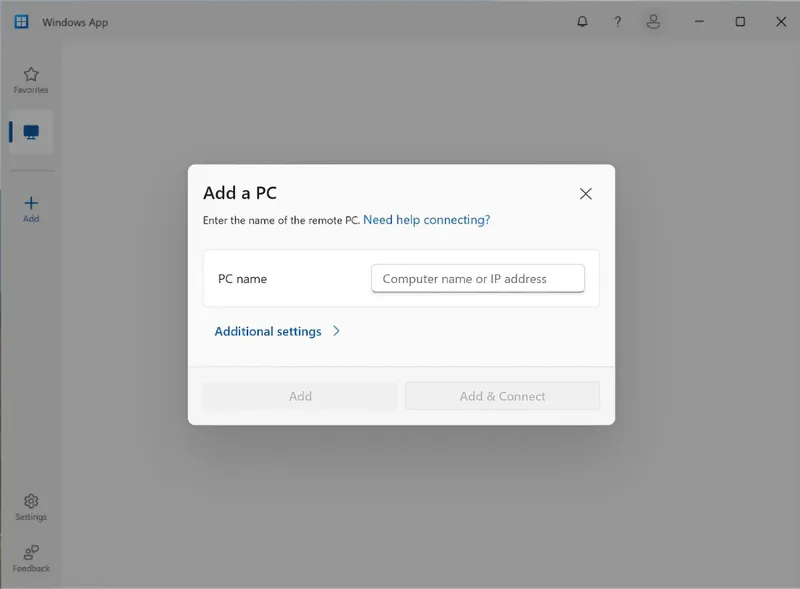
To connect, simply enter the name or IP address of the target computer in Windows App. The app also lets users adjust display settings, enable the redirection of local resources to the remote computer, and add frequently used connections to “favorites.”
To use the feature, Remote Desktop must first be enabled on the computer you want to connect to remotely. You then need to install Windows App or update it to the latest version, after which you can add the computer using its name or IP address. Interestingly, a Microsoft account is not required. When connecting directly to the remote computer, the user is authenticated using the account credentials on that system.
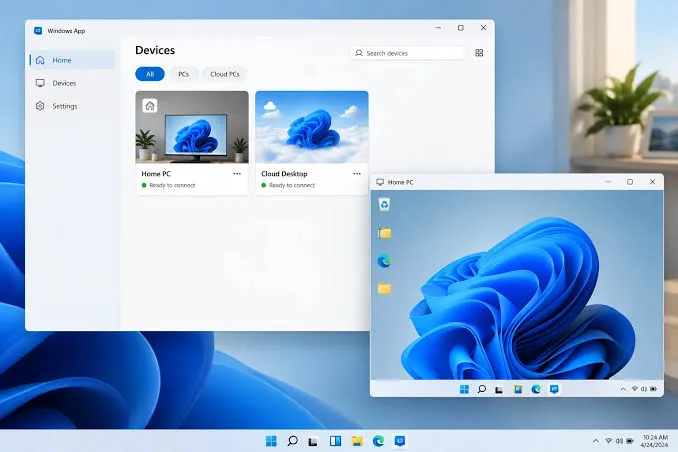
In fact, not much changes from the user’s perspective—the only change is the app used for remote control. Microsoft is no longer introducing new features for Remote Desktop and is gradually moving these capabilities to Windows App. The company is therefore preparing to make the new universal platform its primary remote connection tool in place of the classic app.