
14:54Machine-translated from Azerbaijani by AIRead in Azerbaijani
OpenAI Updates ChatGPT to Manage Chrome Tabs
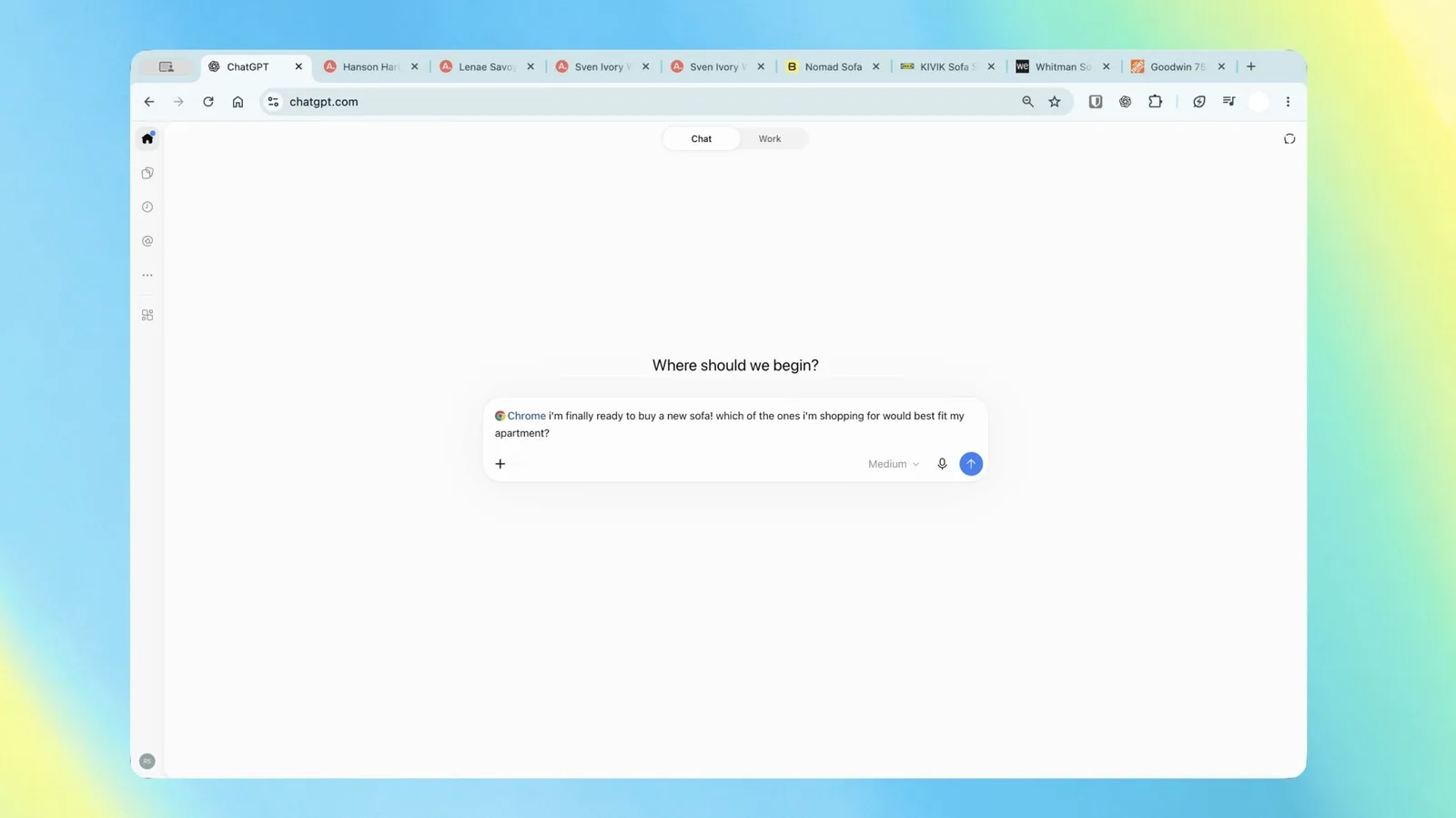
OpenAI has updated its Chrome extension for ChatGPT. The assistant can now gather information from open tabs and provide answers tailored to the pages the user is viewing. The company demonstrated the feature on October 15. The move has made ChatGPT more functional in other browsers following the discontinuation of the ChatGPT Atlas browser on August 9.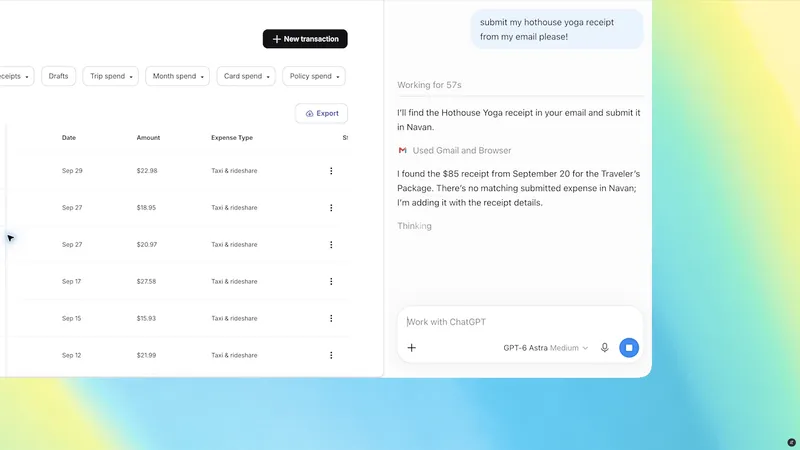
After installing the extension, users can select the Chrome browser in the web or desktop version of ChatGPT and ask it to review their open tabs. For example, you can compare sofas open in 3 separate tabs by size, price, delivery time, and return policy. ChatGPT Chat brings the information together and provides an answer tailored to your preferences.
ChatGPT Work, designed for more complex tasks, can manage browser tabs. The assistant can send messages, fill out forms, download files, and group tabs. For example, it can fill out a registration form based on event information and wait for the user’s approval before submitting it. After completing a dental form, it can also add the appointment to work and personal calendars.
The update also makes it easier to gather information from several pages. ChatGPT Work can compare suppliers displayed in open tabs by price and key features and create a table with links to the sources. In another scenario, the assistant analyzes contractors’ terms, selects the more suitable option for a home renovation, and drafts an email to the company.
ChatGPT in the Chrome browser’s side panel has also been updated. The entire chat history can be opened from there. Without leaving the website they are viewing, users can ask a question in Chat mode or start a task in Work mode. The extension is included with all ChatGPT plans. In addition to Chrome, it also works in Chromium-based browsers such as Microsoft Edge, Brave, and Opera.