
18:32Machine-translated from Azerbaijani by AIRead in Azerbaijani
RemoveMacAI Tool Launched to Delete Apple Intelligence Models on Macs
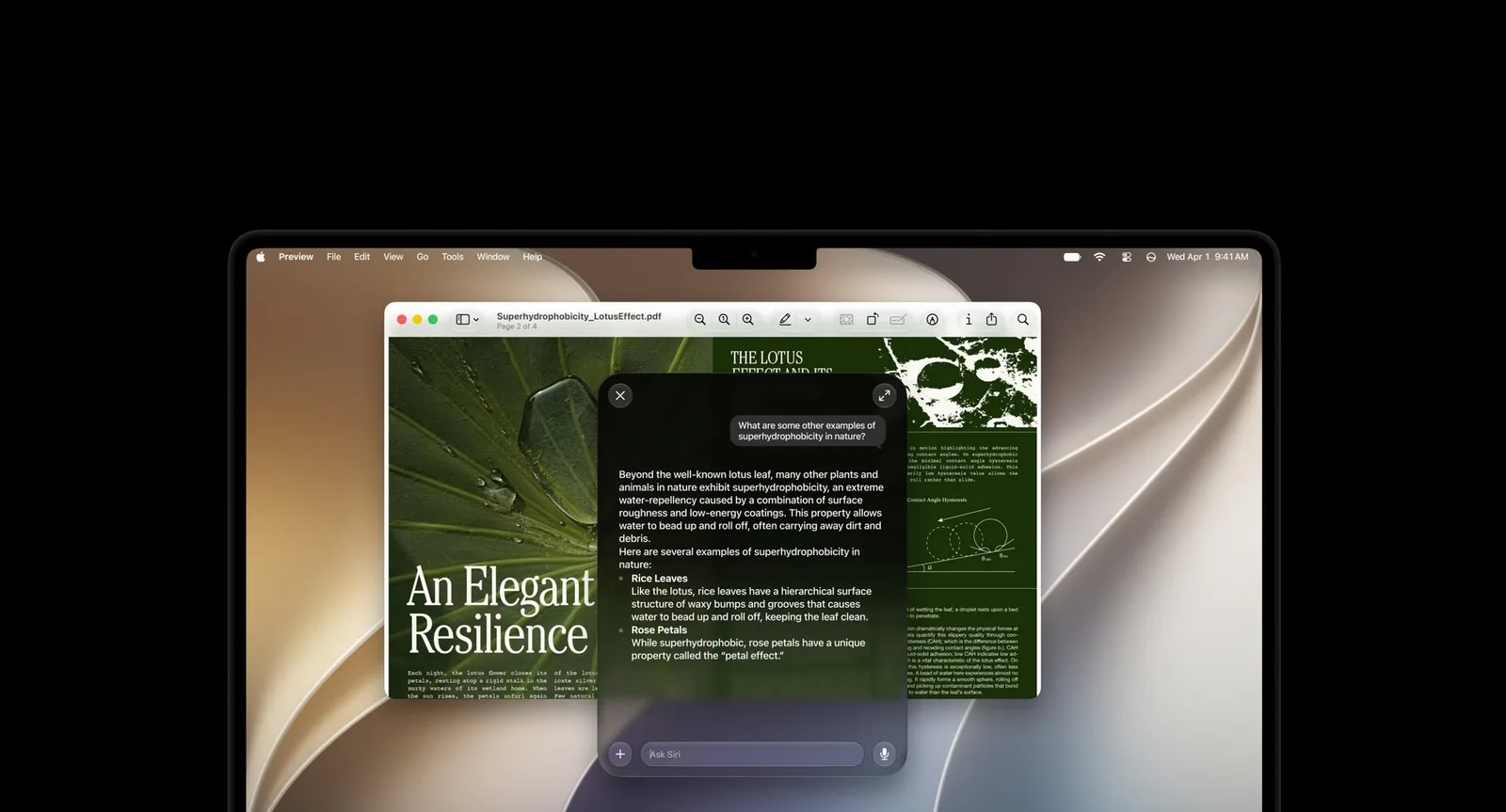
A new open-source tool called “RemoveMacAI” frees up storage reserved for “Apple Intelligence” on “Mac” computers. The command-line program disables artificial intelligence features and deletes their models from the disk. According to the developer, this can free up approximately 12 GB of space. Previously, “Apple Intelligence” features could be disabled with one button. However, this option was removed in “macOS 27.” These features are now distributed across various settings, including the “Screen Time” section. Even if the user disables all the options, the core artificial intelligence models remain on the disk and take up approximately 12 GB of space. The “RemoveMacAI” tool disables “Siri,” “Writing Tools,” “Genmoji,” and “Image Playground” all at once. The program also disables the “ChatGPT” extension and automatic summaries. It then deletes the artificial intelligence models and prevents the operating system from downloading them again. According to the developer, the changes remain in effect even after “macOS” is updated. However, the Dictation feature, which converts speech to text, continues to work. Users can restore the features and allow the models to be downloaded again by entering the “removemacai revert” command. The amount of space occupied by artificial intelligence models may vary by device. Some users have reported that it exceeds 12 GB. For example, one “MacBook Air” was shown to have 35.05 GB allocated to “Apple Intelligence.” The “removemacai status” command separately shows how much storage each artificial intelligence model on the computer occupies.