
14:48Machine-translated from Azerbaijani by AIRead in Azerbaijani
Some Google Speakers Download More Than 200 GB of Data a Day
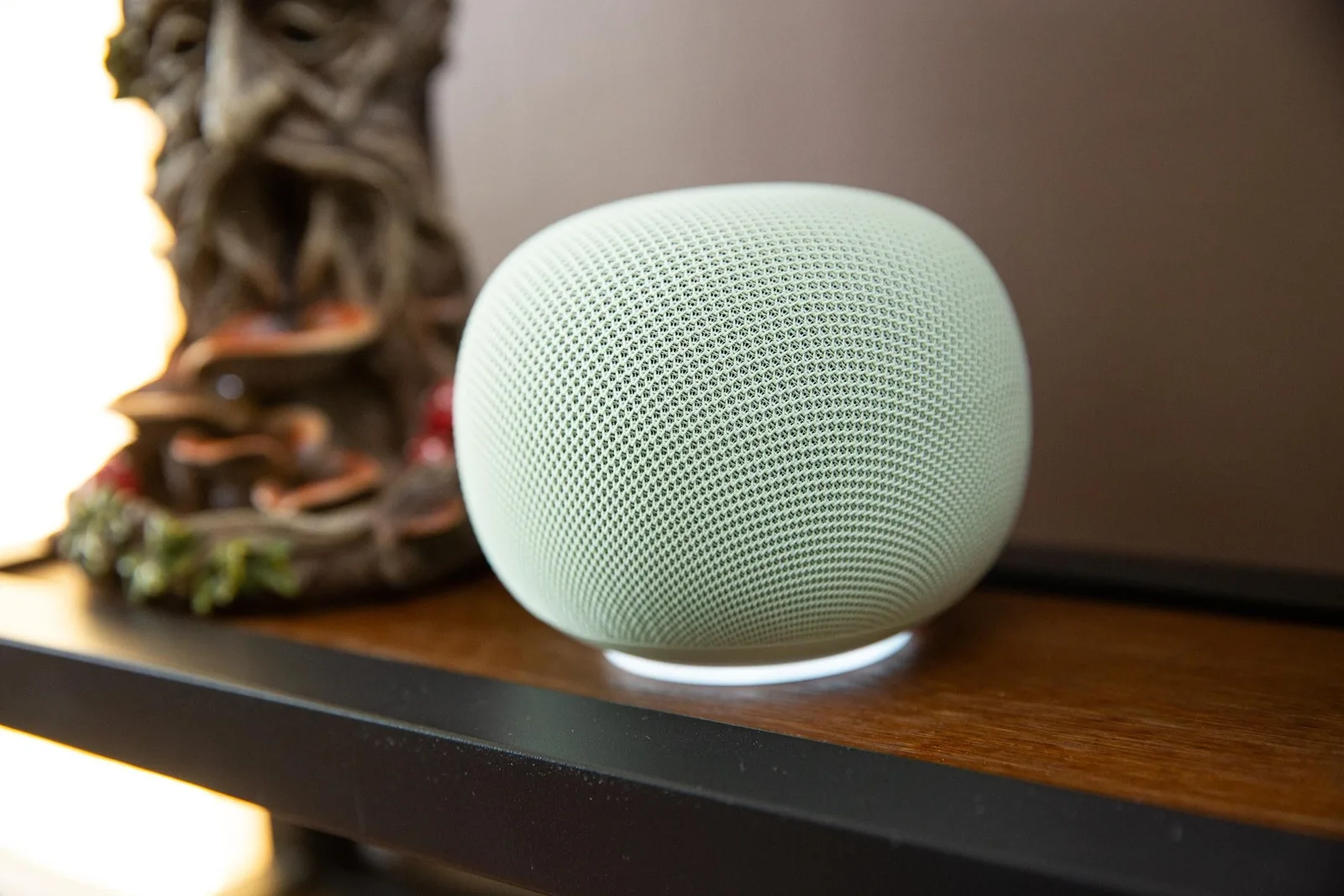
Some owners of “Google Home Speaker” speakers have noticed that the devices continuously download hundreds of GB of data in the background. The problem has primarily appeared on the new “Google Home Speaker” model. The device uses internet data even when it is not being used for voice commands or media streaming. It is not yet known how widespread the issue is. One of the affected devices downloaded 17 GB of data in 24 hours. At 14:00 Azerbaijan time, the device downloaded 9.99 GB of data in a single session. That speaker used 41 GB of data on October 13. The device’s total usage was 132 GB over 30 days. The issue did not appear on other “Google Home” and “Nest” devices in the same home, including several “Nest Hub” models. In more serious cases, the speaker’s internet usage exceeded 200 GB per day. One user with 14 different “Google” speakers at home encountered the problem on one of the newest models. That device used 25 GB of data in 24 hours. In another home, the same model, which was rarely used, downloaded only 2 GB of data over the past month. The issue was not detected at all on one of the other speakers tested. According to the initial theory, the problem is related to the device being unable to properly download and install a firmware update. Each time the update fails, the device may download the same files again. “Google” said it was aware of the problem and had already begun sending the fix to users. However, the company has not yet said which devices are affected or what exactly is causing the issue. This problem could quickly exhaust the monthly data allowance of users with limited internet plans. The amount of data a device uses can be checked in the management interface of most routers. “Nest Wifi” users can open the “Google Home” app, go first to “Wifi” and then to “Devices,” and select the speaker. This section contains graphs showing the device’s internet traffic. The app displays data for the past 1 and 7 days. Usage over the past 30 days can also be viewed separately.
One of the affected devices downloaded 17 GB of data in 24 hours. At 14:00 Azerbaijan time, the device downloaded 9.99 GB of data in a single session. That speaker used 41 GB of data on October 13. The device’s total usage was 132 GB over 30 days. The issue did not appear on other “Google Home” and “Nest” devices in the same home, including several “Nest Hub” models. In more serious cases, the speaker’s internet usage exceeded 200 GB per day. One user with 14 different “Google” speakers at home encountered the problem on one of the newest models. That device used 25 GB of data in 24 hours. In another home, the same model, which was rarely used, downloaded only 2 GB of data over the past month. The issue was not detected at all on one of the other speakers tested. According to the initial theory, the problem is related to the device being unable to properly download and install a firmware update. Each time the update fails, the device may download the same files again. “Google” said it was aware of the problem and had already begun sending the fix to users. However, the company has not yet said which devices are affected or what exactly is causing the issue. This problem could quickly exhaust the monthly data allowance of users with limited internet plans. The amount of data a device uses can be checked in the management interface of most routers. “Nest Wifi” users can open the “Google Home” app, go first to “Wifi” and then to “Devices,” and select the speaker. This section contains graphs showing the device’s internet traffic. The app displays data for the past 1 and 7 days. Usage over the past 30 days can also be viewed separately.