
18:54Machine-translated from Azerbaijani by AIRead in Azerbaijani
Samsung Begins Rolling Out One UI 9 to More Devices
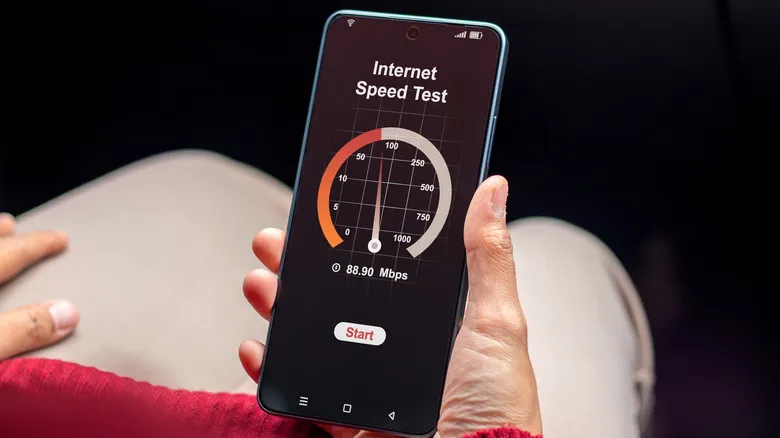
Samsung has begun rolling out the One UI 9 update to more devices. The new features cover everyday uses such as the camera, working with multiple apps at once, privacy, gaming and document scanning. In the Quick Panel, dark mode has been separated from the screen brightness slider and turned into a standalone button. Users can resize the controls, customize the media widget and rearrange shortcuts by dragging them. These settings can be accessed through the pencil icon at the top.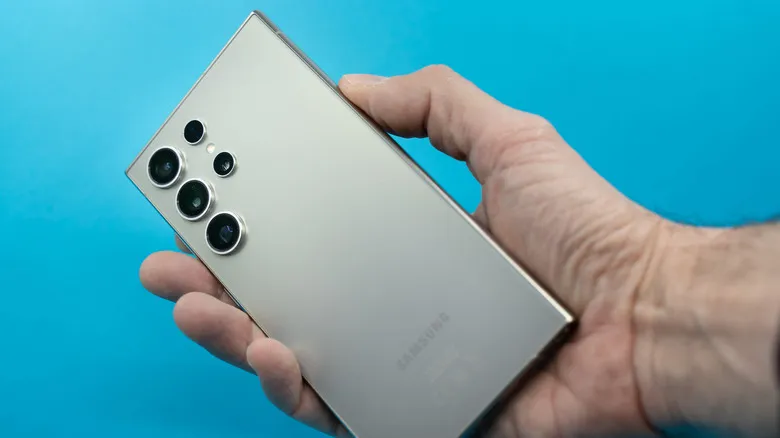 The updated camera retains the 12 MP and 50 MP options. The system also adds a 24 MP resolution. The mode is enabled through the Camera Assistant module in Good Lock and is considered a middle-ground option between image quality and storage use. The phone can also be connected to a computer with a USB cable and used as a webcam. My Fan Cam uses artificial intelligence to adapt 16:9 video to the 9:16 format. The feature automatically keeps the selected person in close-up. The object eraser also identifies unwanted elements in a photo without requiring the user to mark them. A Wake with Gesture option has been added to the Bixby assistant. When the phone is brought close to the mouth and the user speaks, the assistant opens without the user touching a button. In the Multi-Finger Gestures section of the Home Up module, users can select 2- and 3-finger gestures. A 5-finger gesture is also available, and a total of 5 different actions can be assigned. QuickStar displays the current Wi-Fi and mobile internet speeds in the status bar. The blue privacy icon lets users see which app is accessing their location data and change its permission.
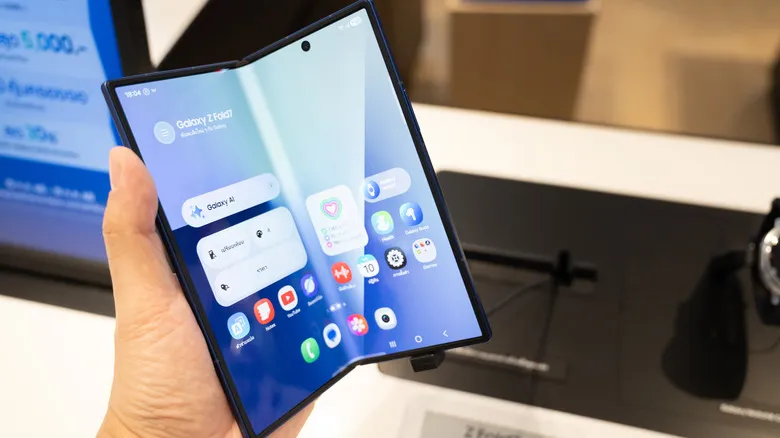
 Users can open 3 apps on the screen at once. This feature will be especially useful on large-screen foldable models such as the Galaxy Z Fold 8. The AI-enhanced Gallery sorts screenshots into categories such as QR codes, receipts and boarding passes. Previously captured screenshots can also be found using keywords.
 While gaming, users can open the Game Booster panel by swiping from the left edge of the screen to the right. From the panel, users can select battery-saving mode, monitor CPU and GPU performance, adjust screen sensitivity and record the screen. Now nudge suggestions now appear not only on the keyboard but also in notifications and on a floating button. Personal Data Intelligence must be enabled for this. The feature requests broad access to personal data. According to Samsung, if the user does not give consent, the data is processed on the phone itself. The document scanner has also been enhanced with artificial intelligence. The camera creates a smoother image by correcting folds, bends and curvature on book pages. Finger eraser removes finger shadows captured in the frame while the user is holding a book or document. The scanner also does a better job of removing glare and wavy patterns known as moiré. A shortcut has been added to the home screen for users who frequently use this feature.
The updated camera retains the 12 MP and 50 MP options. The system also adds a 24 MP resolution. The mode is enabled through the Camera Assistant module in Good Lock and is considered a middle-ground option between image quality and storage use. The phone can also be connected to a computer with a USB cable and used as a webcam. My Fan Cam uses artificial intelligence to adapt 16:9 video to the 9:16 format. The feature automatically keeps the selected person in close-up. The object eraser also identifies unwanted elements in a photo without requiring the user to mark them. A Wake with Gesture option has been added to the Bixby assistant. When the phone is brought close to the mouth and the user speaks, the assistant opens without the user touching a button. In the Multi-Finger Gestures section of the Home Up module, users can select 2- and 3-finger gestures. A 5-finger gesture is also available, and a total of 5 different actions can be assigned. QuickStar displays the current Wi-Fi and mobile internet speeds in the status bar. The blue privacy icon lets users see which app is accessing their location data and change its permission. Users can open 3 apps on the screen at once. This feature will be especially useful on large-screen foldable models such as the Galaxy Z Fold 8. The AI-enhanced Gallery sorts screenshots into categories such as QR codes, receipts and boarding passes. Previously captured screenshots can also be found using keywords. While gaming, users can open the Game Booster panel by swiping from the left edge of the screen to the right. From the panel, users can select battery-saving mode, monitor CPU and GPU performance, adjust screen sensitivity and record the screen. Now nudge suggestions now appear not only on the keyboard but also in notifications and on a floating button. Personal Data Intelligence must be enabled for this. The feature requests broad access to personal data. According to Samsung, if the user does not give consent, the data is processed on the phone itself. The document scanner has also been enhanced with artificial intelligence. The camera creates a smoother image by correcting folds, bends and curvature on book pages. Finger eraser removes finger shadows captured in the frame while the user is holding a book or document. The scanner also does a better job of removing glare and wavy patterns known as moiré. A shortcut has been added to the home screen for users who frequently use this feature.